


How to Bulk Extract Emails from MSG Files Without Outlook
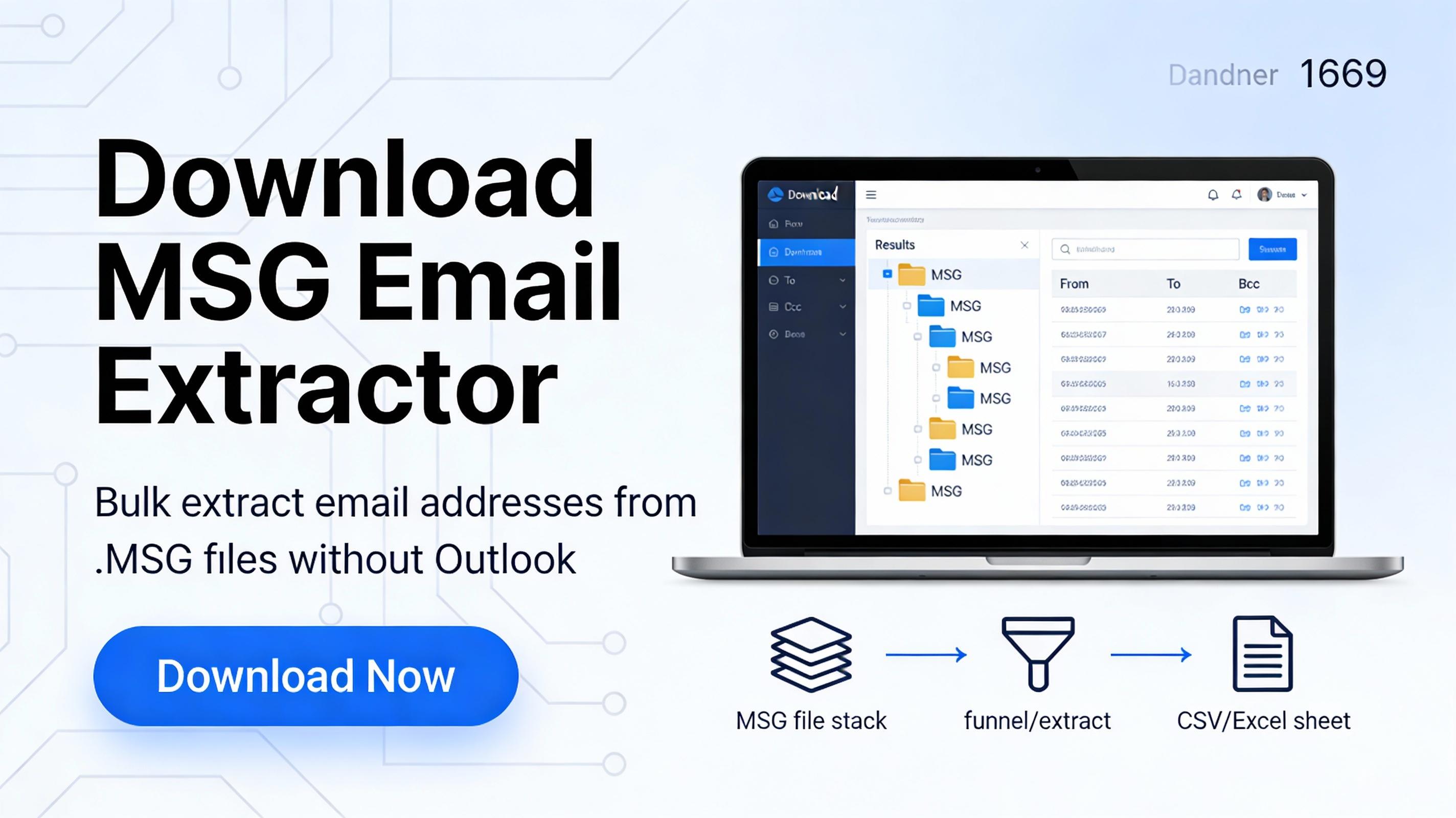
Bulk-extracting email addresses from MSG files without Outlook is possible by parsing MSG content using dedicated extractors, online MSG parsers, or scripts—then exporting results to CSV/TXT for reuse in CRM, audits, or reporting.
Why this task matters
MSG files are commonly stored as standalone Outlook message exports, and teams often need to collect sender/recipient email IDs from hundreds or thousands of these files for compliance, investigations, support analytics, or lead list cleanup.
Doing it manually by opening each message is only practical for a handful of files; at scale, it becomes slow and error-prone.
What “bulk email extraction” means
In this context, “extract emails” usually refers to pulling email addresses from key headers—From, To, Cc, and Bcc—and sometimes also from the email body where addresses appear in signatures or forwarded threads.
Good bulk extraction workflows also include filters (field-wise or date-wise) and export formats like CSV/TXT so the output can be used immediately in Excel or a CRM.
Method 1: Use a standalone MSG extractor (no Outlook)
The fastest approach for non-technical users is a dedicated MSG email address extractor that scans multiple MSG files at once and exports the results automatically.
Many such tools support extracting from sender/receiver fields and even the subject/body, and they are designed specifically to work without Microsoft Outlook installed.
Typical steps (tool-agnostic)
-
Add MSG files or a folder containing MSG files for batch processing.
-
Choose what to extract: From/To/Cc/Bcc, body content, or “All fields,” depending on the tool.
-
Enable options like filtering (field/date) and de-duplication if available to reduce repeated addresses.
-
Export the extracted addresses to CSV or TXT for easy sorting, filtering, and importing into other platforms.
When is this method best
-
When there are hundreds/thousands of MSG files and time is limited.
-
When the requirement includes structured output formats (CSV/TXT) and filtering options.
Method 2: Parse MSG files online (small batches)
If the need is occasional or limited, an online MSG parser can be used to open and parse MSG content without installing Outlook.
This approach is useful for quick checks, but it’s typically less suitable for large-scale extraction and may raise privacy concerns depending on the data being uploaded.
Practical use case
-
Validate what fields exist inside a sample MSG (headers/body) before choosing a bulk method.
Method 3: Script-based extraction (automation-friendly)
For technical users, scripting can automate bulk extraction by parsing MSG files and then applying an email-regex to header/body text.
Python libraries aimed at MSG parsing can help extract message text and attachments, which can then be scanned to collect addresses consistently across folders.
High-level workflow (for IT/analysts)
-
Parse MSG → extract header fields and body text.
-
Run pattern matching to collect addresses → normalize → de-duplicate → export to CSV.
Best practices
Extract from multiple sources: headers (From/To/Cc/Bcc) plus body, because real-world addresses often appear in signatures or forwarded content.
-
Always de-duplicate and validate before using the list in marketing tools to reduce bounce risk and avoid repeated entries.
-
Prefer CSV output for sorting, domain grouping, and quick imports; TXT is useful for simple copy/paste workflows.
If the article should be tool-neutral (no brand mentions) or should softly promote a specific MSG Email Extractor, share the tool name and 5–6 features (export formats, filters, de-dup, supported Windows versions), and the draft can be tailored accordingly.

 English
 Arabic
 French
 Spanish
 Portuguese
 Deutsch
 Turkish
 Dutch
Dutch
 Russian
 Romaian
 Portuguese (Brazil)
 Greek
Greek