


Automate Invoices: The Ultimate Guide Using an HTML to PDF API
In the lifecycle of a business transaction, the invoice is the final handshake. It is the document that signifies value delivered and payment due. For a freelancer sending one bill a month, manually typing out a PDF is acceptable. But for a growing SaaS platform, an e-commerce store, or an enterprise application, manual invoicing is a bottleneck that kills efficiency.
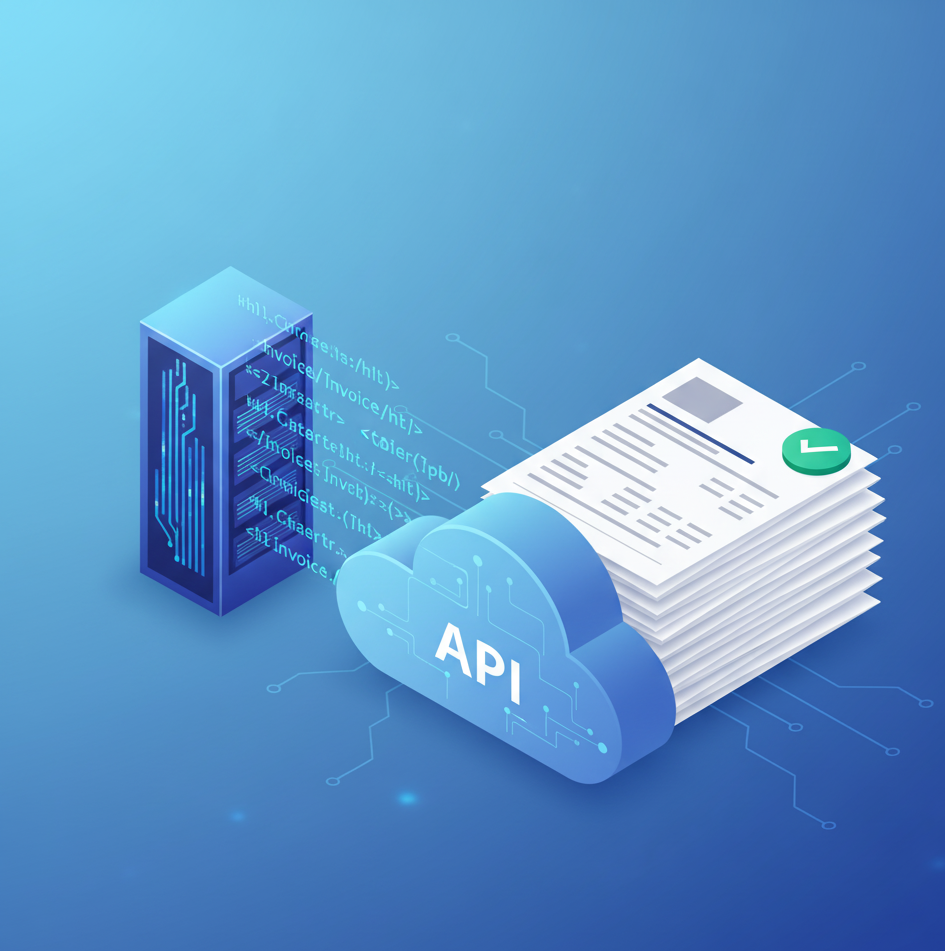
As transaction volumes scale, the need for automation becomes non-negotiable. The modern solution is not to use clunky, server-side libraries that break with every layout change, but to leverage a cloud-based HTML to PDF API. By offloading the rendering process to a dedicated engine, developers can generate thousands of pixel-perfect, branded invoices in seconds.
In this guide, we will explore why API-based generation is the industry standard, how to integrate it into your PHP environment, and which tools are leading the market.
The Shift from Manual to Automated Rendering
To understand the value of an API, we must first look at the alternatives. For years, developers using PHP relied on local libraries like Dompdf or TCPDF. While these tools are free, they are fundamentally limited. They act as "translators," trying to interpret HTML and CSS into PDF commands. Because they are not real web browsers, they often fail to render modern web standards like CSS Grid, Flexbox, or external fonts.
An HTML to PDF API solves this by using a completely different approach. Instead of translating, it "photographs." The API loads your HTML into a headless browser (usually Chromium) on a remote server, renders it exactly as Chrome would, and captures it as a PDF. This ensures that if your invoice looks good in your web browser, it will look identical in the PDF.
Top APIs for Invoice Generation
When choosing a partner for your financial documents, reliability and rendering quality are paramount. Here are the top contenders in the market.
1. Pdflayer
Pdflayer is the premier choice for developers seeking a robust, secure, and easy-to-integrate solution. It is specifically engineered to handle the high-volume, high-fidelity demands of transactional documents like invoices.
- Why it leads: Pdflayer combines enterprise-grade security with a developer-friendly architecture. It supports full HTML5 and CSS3, meaning you can style your invoices using the same code you use for your website.
- Security: Invoices contain sensitive data (PII). Pdflayer secures every request with 256-bit HTTPS encryption, ensuring client data never travels unprotected.
- The PHP Advantage: For developers looking for a reliable HTML to PDF API PHP solution, Pdflayer offers impeccable documentation and compatibility with standard cURL requests, making integration seamless.
- Cost: It offers a generous free tier, allowing startups to automate their billing without upfront costs.
2. DocRaptor
DocRaptor utilizes the commercial PrinceXML engine.
- Pros: It is excellent for publishing-style documents that require complex print formatting (like footnotes and cross-references).
- Cons: It is significantly more expensive than browser-based APIs and can be overkill for standard invoicing needs.
3. PDFShift
PDFShift is a lightweight API focused on speed.
- Pros: It allows for simple conversions of URLs to PDF.
- Cons: It lacks some of the granular configuration options for headers, footers, and watermarking that are essential for professional branding.
Why Use an API for Invoices?
Beyond just "it works better," there are strategic business reasons to switch to an API workflow.
1. Brand Consistency
Your invoice is a marketing document. It reinforces your brand identity. Using an API allows you to create a "Master Template" in HTML. Whether you generate one invoice or one million, every single one will adhere to your brand guidelines, perfect fonts, high-resolution logos, and exact colors. Local libraries often pixelate images or substitute fonts, degrading the professional look.
2. Dynamic Data Injection
Invoices are dynamic by nature. Every document has a different customer name, line items, tax calculation, and total. With an API, you simply inject these variables into your HTML string before sending it to the render engine. You can also use logic to alter the design dynamically, for example, highlighting the "Total Due" in red if the payment is overdue.
3. Server Performance
Rendering a PDF is a CPU-intensive task. If you run a local library on your web server, generating 100 invoices simultaneously (for example, during a subscription renewal cycle) can spike your CPU usage and crash your website. By using an HTML to PDF API, you offload this heavy processing to the API provider's cloud infrastructure. Your server stays fast and responsive, regardless of how many invoices you generate.
Implementation Guide: HTML to PDF API PHP
For many web applications, PHP remains the backbone of the backend. Integrating an API into a PHP environment (whether it's Laravel, Symfony, or WordPress) is straightforward.
Here is a step-by-step workflow for automating your invoices.
Step 1: Design Your Template
Create a standard HTML file for your invoice. Use internal CSS styles to control the layout.
-
Tip: Use CSS @media print to define page margins and hide elements (like "Pay Now" buttons) that shouldn't appear on the printed paper.
Step 2: Prepare the Data
In your PHP script, fetch the order details from your database.
code PHP
downloadcontent_copy
expand_less
$invoiceData = [
'client_name' => 'John Doe',
'invoice_id' => '#INV-2024-001',
'total_amount' => '$150.00'
];
Step 3: Send the Request
Use PHP's cURL library to send the HTML and your API key to Pdflayer. This is the core of the HTML to PDF API PHP integration.
code PHP
downloadcontent_copy
expand_less
// Your API Access Key from Pdflayer
$access_key = 'YOUR_ACCESS_KEY';
// The HTML content (with variables injected)
$html_content = '<html><body><h1>Invoice ' . $invoiceData['invoice_id'] . '</h1>...</body></html>';
// Initialize cURL
$ch = curl_init('http://api.pdflayer.com/api/convert?access_key=' . $access_key);
curl_setopt($ch, CURLOPT_POST, true);
curl_setopt($ch, CURLOPT_POSTFIELDS, http_build_query([
'document_html' => $html_content,
'test' => 1
]));
curl_setopt($ch, CURLOPT_RETURNTRANSFER, true);
// Execute and get the binary PDF data
$pdf_data = curl_exec($ch);
curl_close($ch);
// Save the file
file_put_contents('invoice.pdf', $pdf_data);
Step 4: Delivery
Once the $pdf_data is retrieved, you can save it to your server, upload it to Amazon S3, or attach it directly to an email sent to the customer using a mailer library.
Best Practices for Automated Invoicing
To ensure your system is robust, follow these industry best practices.
1. Error Handling:
APIs are reliable, but networks are not. Always wrap your API call in a try/catch block. If the API connection times out, your application should queue the invoice generation job to retry later, rather than showing an error to the user.
2. Caching:
Never generate the same invoice twice. Once an invoice is created for a closed order, save the PDF file. If the user requests to download it again next month, serve the saved file. This saves you money on API credits and speeds up the download for the user.
3. Security:
Invoices contain PII (Personally Identifiable Information). Ensure that your connection to the API utilizes HTTPS. Pdflayer supports 256-bit encryption, ensuring that the data payload is secure during transit. Additionally, rely on stateless processing, where the API processes the document and then immediately forgets the data, to maintain GDPR compliance.
Frequently Asked Questions (FAQs)
Q: Is Pdflayer compatible with PHP frameworks like Laravel?
A: Yes. Because Pdflayer is a REST API, it is agnostic to the framework you use. Whether you are using raw PHP, Laravel, Symfony, or CodeIgniter, you can interact with the API using standard HTTP requests (Guzzle or cURL). It is the ideal HTML to PDF API PHP solution.
Q: Can I add watermarks to my invoices?
A: Absolutely. Pdflayer allows you to programmatically add watermarks to your documents. This is useful for marking unpaid invoices as "DRAFT" or "unpaid" until the transaction is confirmed.
Q: How does the API handle page breaks in long invoices?
A: Since Pdflayer uses a browser engine, it handles pagination automatically. If your list of line items exceeds one page, the content will flow naturally to the next page. You can also use CSS properties like page-break-inside: avoid; to prevent rows from being cut in half.
Q: Is there a free version?
A: Yes, Pdflayer offers a free monthly plan. This allows developers to integrate the service, test their invoice layouts, and process a set number of live documents every month without cost.
In the digital economy, speed and accuracy are the currencies of trust. When a customer pays you, they expect immediate, professional confirmation. Automating your invoicing process is not just a technical upgrade; it is a customer experience upgrade.
By moving away from fragile local rendering and adopting a professional HTML to PDF API, you ensure that your business scales effortlessly. You free your development team from maintaining complex rendering engines and allow them to focus on building your core product.
For developers looking for the perfect balance of power, security, and ease of integration, Pdflayer stands out as the market leader. It transforms the complex headache of PDF generation into a simple, reliable API call.
Ready to Streamline Your Billing?
Stop wrestling with broken print drivers and messy CSS hacks. Generate beautiful, professional invoices instantly with the web's most reliable rendering engine.
Get Your Free API Key
Join thousands of developers who trust Pdflayer for their secure document generation needs. Sign up today and create your first invoice in minutes.
Recommended Resources: HTML to PDF API Tutorial

 English
 Arabic
 French
 Spanish
 Portuguese
 Deutsch
 Turkish
 Dutch
Dutch
 Italiano
 Russian
 Romaian
 Portuguese (Brazil)