


How To Use Color Coding In Legacy Family Tree Program?
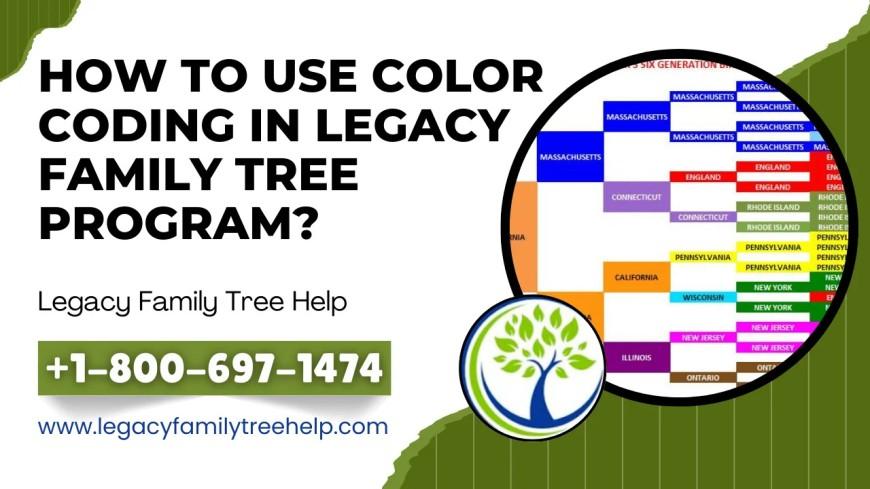
Color coding in Legacy Family Tree is a powerful feature that helps genealogists visually organize their research and family connections. Instead of sifting through endless names and dates, color coding makes it easy to identify family lines, track progress, and highlight important research areas. Whether you’re new to Legacy or an experienced user, learning how to use color coding can greatly improve your efficiency and clarity.
What Is Color Coding in Legacy Family Tree?
Color coding allows you to assign different colors to individuals, families, or specific branches of your family tree. This visual system helps you instantly recognize patterns, relationships, or areas needing attention. For example, you can assign one color to your paternal line, another to your maternal line, or use colors to mark ancestors who served in the military or need more research.
Benefits of Using Color Coding
-
Easy Identification: With color coding, you can quickly spot branches or generations, saving time when navigating large trees.
-
Organized Research: Use colors to represent categories such as verified data, missing information, or DNA matches.
-
Visual Clarity: Different colors help you see relationships and connections more clearly, giving you a better understanding of your family structure.
-
Collaboration: When sharing your family tree with others, color coding helps communicate research progress and responsibilities easily.
How to Use Color Coding in Legacy Family Tree
-
Select an Individual or Family: Open the profile of the person or family you want to color-code.
-
Access the Color Coding Tool: Go to Tools > Set Color Coding or locate the color option in the profile window.
-
Choose a Color: Select from the available color palette. Each color can represent a specific meaning, such as ancestral line or research status.
-
Assign Meaning: Keep a legend or note explaining what each color means—this ensures consistency and helps others understand your system.
-
Save and Apply: After choosing your colors, save the settings. Repeat for other individuals or families as needed.
Best Practices for Color Coding
-
Plan Ahead: Decide your categories before assigning colors.
-
Limit Colors: Too many colors can become confusing—stick to a few key ones.
-
Document Your Choices: Create a reference guide or legend for your color scheme.
-
Review Regularly: As your tree grows, adjust or refine your color-coding system.

 Arabic
 French
 Spanish
 Portuguese
 Deutsch
 Turkish
 Dutch
Dutch
 Italiano
 Russian
 Romaian
 Portuguese (Brazil)
 Greek
Greek