


Microphone Setup Guide: Perfecting Your Studio Mic Setup
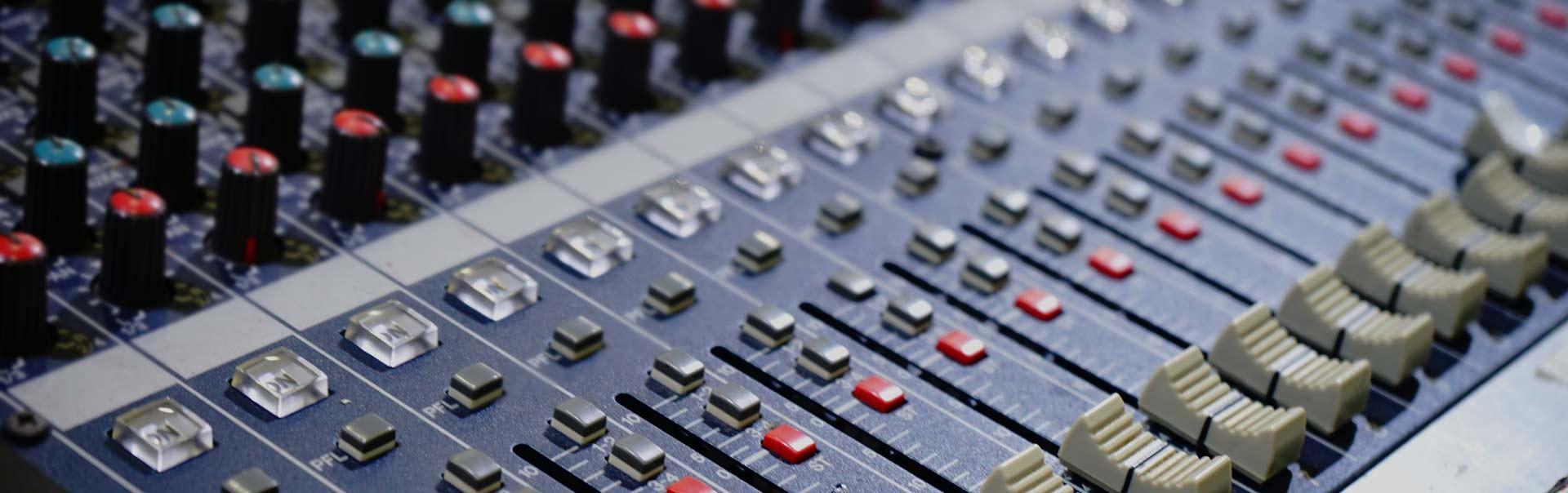
Getting the right microphone setup is essential whether you’re a podcaster, voiceover artist, or musician. The quality of your recordings often depends less on the price of your mic and more on how well your studio mic setup is configured. From choosing the right microphone placement to adjusting audio settings, every step influences clarity, tone, and professional sound quality.
The Importance of a Proper Microphone Setup
A proper microphone setup is not just about plugging in your mic—it’s about creating an environment where your voice or instrument can shine without distortion, echo, or background noise. Without the right studio mic setup, even the most expensive microphones won’t deliver professional-quality results.
Choosing the Right Microphone for Your Studio Mic Setup
Before you even think about placement and recording software, you need to select the right type of microphone.
-
Dynamic Microphones – Durable and great for live sound or loud environments.
-
Condenser Microphones – Ideal for studio use thanks to their sensitivity and wide frequency response.
-
Ribbon Microphones – Perfect for warm, vintage-style recordings.
When planning your studio mic setup, think about your recording space, budget, and recording purpose.
Essential Equipment for Microphone Setup
A great microphone setup involves more than just the mic itself. You’ll need:
-
Mic Stand – For stability and proper positioning.
-
Pop Filter – Reduces plosive sounds like “p” and “b.”
-
Audio Interface – Converts your mic’s signal into a digital format.
-
Shock Mount – Minimizes vibrations from movement or desk noise.
-
Headphones – For real-time monitoring.
Having these accessories ensures your studio mic setup is both professional and effective.
How to Position Your Microphone Correctly
Positioning is one of the most overlooked aspects of a microphone setup.
-
Keep the mic at mouth level but slightly angled to reduce plosives.
-
Maintain a distance of 6–12 inches for most studio recordings.
-
Use a pop filter to smooth out harsh sounds.
-
Experiment with mic angles for tonal differences.
Getting your studio mic setup right often comes down to small adjustments that drastically change your sound quality.
Optimizing Your Recording Environment
Even the best studio mic setup will sound bad in a noisy or echoey room. Follow these tips:
-
Record in a quiet space away from fans, air conditioners, and street noise.
-
Use soundproofing foam or blankets to absorb reflections.
-
Position the mic away from walls to avoid unwanted reverb.
Your microphone setup will always sound better in a properly treated space.
Adjusting Levels for the Perfect Recording
Once your microphone setup is physically in place, it’s time to fine-tune your recording levels:
-
Set your audio interface gain so that normal speech peaks around -6dB to -3dB.
-
Avoid clipping, which causes distortion.
-
Monitor using headphones for real-time feedback.
-
Test different positions and settings to find the sweet spot.
A good studio mic setup balances input gain and recording levels to achieve clean, professional audio.
Common Mistakes to Avoid in Microphone Setup
-
Placing the mic too close or too far away.
-
Ignoring room acoustics.
-
Over-processing with effects before capturing a clean take.
-
Using cheap cables that introduce noise.
Your studio mic setup should prioritize clean, raw sound before applying post-production effects.
Final Thoughts
Mastering your microphone setup doesn’t require an expensive studio—just the right techniques and attention to detail. By carefully choosing your mic, positioning it correctly, and optimizing your recording environment, your studio mic setup can produce professional-quality recordings every time.
FAQs
Q1: What’s the best microphone for beginners in a studio mic setup?
A condenser microphone is usually the best starting point due to its sensitivity and versatility.
Q2: How far should I be from the mic in my microphone setup?
6–12 inches is a standard distance, but testing is key to finding your sweet spot.
Q3: Do I need an audio interface for my studio mic setup?
Yes, especially if you’re using an XLR microphone. It ensures proper signal conversion and better sound quality.
Q4: How can I reduce background noise in my microphone setup?
Use a treated room, a pop filter, and a cardioid mic pattern to minimize unwanted sound.
Q5: Can I set up a studio mic setup at home without professional equipment?
Absolutely—many professional podcasters and voiceover artists record from home with budget-friendly setups.

 English
 French
 Spanish
 Portuguese
 Deutsch
 Turkish
 Dutch
Dutch
 Italiano
 Russian
 Romaian
 Portuguese (Brazil)
 Greek
Greek