


UI vs UX: Understanding the Difference Between UI and UX Design
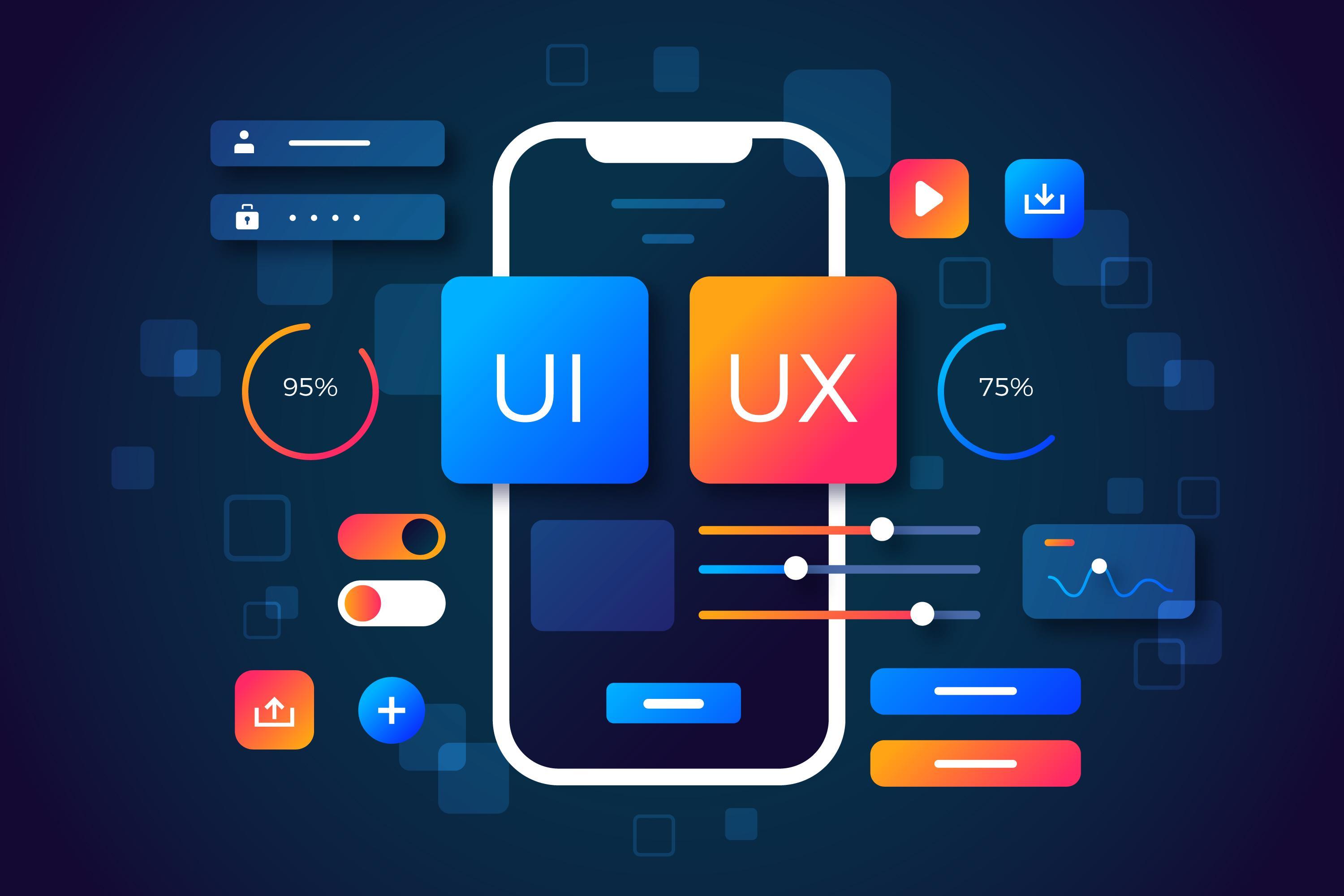
If you’ve spent time in the digital world, you’ve probably come across the terms UI and UX. They’re often used together, sometimes even interchangeably, but they are not the same. In fact, UI and UX play very different roles in how digital products such as apps, websites, and software are built.
In today’s competitive market, great design is not optional. A product must look good (UI) and work smoothly (UX). Understanding the difference between the two helps businesses create better customer experiences and helps learners build strong design careers. If you're studying design principles through Digital Marketing Courses in Calicut, UI and UX will be among the most important skills you develop.
This guide breaks down what UI and UX really mean, how they work together, and why both matter in creating successful digital products.
1. What Is UI Design? (User Interface Design)
UI (User Interface) is the visual and interactive part of a product — everything users see and touch.
UI includes:
-
Colors
-
Typography
-
Buttons
-
Layouts
-
Icons
-
Spacing
-
Animations
-
Navigation menus
The role of a UI designer:
-
Create visually appealing screens
-
Ensure consistent branding
-
Make buttons and icons easy to understand
-
Design clean, modern layouts
UI = how the product looks and feels visually.
2. What Is UX Design? (User Experience Design)
UX (User Experience) focuses on how the user feels while using the product, and whether the experience is smooth, logical, and enjoyable.
UX includes:
-
User research
-
Wireframing
-
Information architecture
-
User journeys
-
Prototyping
-
Usability testing
-
Understanding user pain points
The role of a UX designer:
-
Research user needs
-
Create intuitive pathways
-
Reduce user frustrations
-
Improve functionality and usability
-
Ensure the product solves a real problem
UX = how the product works and how users experience it.
3. Key Differences Between UI and UX
Let's break them down clearly:
| UI (User Interface) | UX (User Experience) |
|---|---|
| Focuses on visuals | Focuses on user behavior |
| Deals with aesthetics | Deals with usability |
| Creates the look | Creates the flow |
| Includes colors, fonts, layout | Includes research, strategy, testing |
| Makes the product beautiful | Makes the product meaningful |
| What users see | What users feel |
In simple terms:
UI is the appearance; UX is the experience.
4. How UI and UX Work Together
Even though UI and UX are different, they depend on one another.
UX without UI:
The product works well but looks outdated or unattractive.
UI without UX:
The product looks beautiful but is confusing to use.
A great digital product requires both:
-
UX ensures it works smoothly
-
UI ensures it looks appealing
Example:
A stylish app with confusing navigation will fail.
A simple app with a smooth journey but poor visuals may not impress users.
5. Real-World Example: UI vs UX
Imagine a mobile banking app:
Good UX but bad UI:
-
Easy steps to transfer money
-
Logical navigation
-
But poor colors, small fonts, and outdated design
Good UI but bad UX:
-
Beautiful layout
-
Attractive buttons
-
But complicated menus and unclear options
The best apps combine both UI and UX.
6. Skills Needed for UI Designers
-
Creativity
-
Visual design skills
-
Color theory
-
Typography
-
Design tools like Figma, Adobe XD
-
Branding understanding
UI designers must create visuals that users instantly connect with.
7. Skills Needed for UX Designers
-
User research
-
Wireframing & prototyping
-
Usability testing
-
Problem-solving
-
Information architecture
-
Journey mapping
UX designers focus on solving user problems and improving flow.
8. Tools Used in UI and UX Design
UI design tools:
-
Figma
-
Adobe XD
-
Sketch
-
Canva
UX design tools:
-
Figma (prototyping)
-
Miro (user flows)
-
Balsamiq (wireframes)
-
Hotjar (behavior analysis)
Some tools overlap because UI and UX work closely together.
9. Why UI and UX Are Crucial in 2025
In today’s digital-first world:
-
Users expect fast, intuitive experiences
-
Competition is high
-
Poor design leads to instant drop-offs
-
Great design improves conversions, trust, and customer loyalty
UI and UX are at the heart of website and app performance.
They impact:
-
SEO
-
Branding
-
Conversions
-
Retention
-
User satisfaction
Businesses now hire UI/UX designers as essential team members.
Conclusion
UI and UX may sound similar, but they serve different purposes in digital product design. UI focuses on visual beauty, while UX focuses on user satisfaction and functionality. When combined, they create unforgettable experiences that help brands stand out in a competitive market.
If you want to build UI/UX skills, design better websites, or pursue a creative career, joining Digital Marketing Courses in Calicut can give you hands-on experience with real-world design tools and projects.
FAQs
1. Which is more important — UI or UX?
Both are equally important. UI attracts users; UX keeps them engaged.
2. Can one person do both UI and UX?
Yes, many designers work as UI/UX designers, especially in smaller companies.
3. Do UI and UX require coding?
Not always. Some roles may require basic understanding, but not advanced coding.

 Arabic
 French
 Spanish
 Portuguese
 Deutsch
 Turkish
 Dutch
Dutch
 Italiano
 Russian
 Romaian
 Portuguese (Brazil)
 Greek
Greek